

 MailMaestro pricing
 TeamsMaestro pricing








Key Takeaways
- TeamsMaestro is the only tool here that installs directly inside the Teams app and joins calls without a calendar connection.
- Fireflies and Otter.ai join Teams calls as a visible bot after you connect a calendar. Fellow offers a botless option that records through a desktop app instead.
- Otter.ai faces a federal class action, Brewer v. Otter.ai, filed in August 2025 over recording meeting participants without consent.
- Fathom's free plan includes unlimited recording but caps AI summaries at 5 a month.
- TeamsMaestro's free plan covers 5 meetings a month, and the trial period is unlimited.
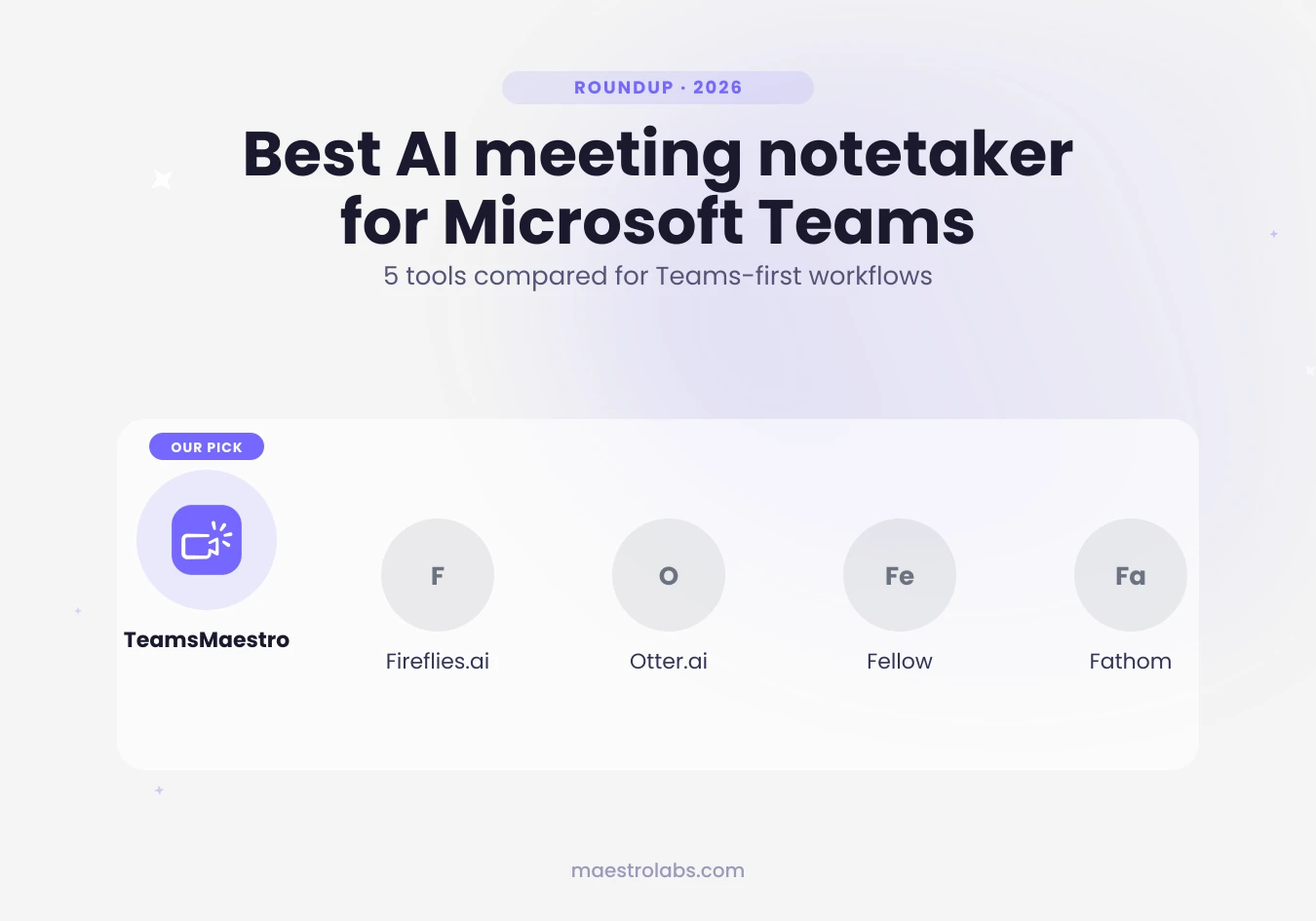
You searched for an AI meeting notetaker for Teams and got five nearly identical lists back, each ranking the same four tools: Fireflies, Otter, Fellow, and Fathom. None of them mention the part that actually matters once you try to use one in a real Teams call: how the tool gets into the meeting in the first place.
Most of these tools were built for Zoom first, and Teams support got added afterward, usually through a calendar connection or a bot that joins the call as its own participant. TeamsMaestro was built for Teams first. You install it from inside Teams and it joins your calls without connecting a calendar or sending a bot invite.
Here's how the five actually compare, and why that setup difference is worth caring about.
What to look for in an AI meeting notetaker for Teams
Three things separate a useful notetaker from one that just adds another app to manage.
How it joins the call. Some tools need a calendar connected or a bot added as a guest before the meeting starts. Others live inside Teams itself and join the way a colleague would, with no extra setup per meeting.
Transcript, not just a summary. A summary drops detail. If someone disputes what was agreed three weeks later, you want the full transcript to check, not a three-line recap.
Action items with an owner attached. "Follow up with legal" isn't useful without a name next to it. The notes should assign the task, not just record that it exists.
Keep those three in mind. Everything else, dashboards, sentiment scoring, CRM sync, is a bonus feature, not the reason you're evaluating these tools.
TeamsMaestro
TeamsMaestro is built specifically for Microsoft Teams, not adapted from a Zoom-first product. You install it from inside Teams, the same way you'd add any other app, and it joins your calls directly. No calendar to connect, no bot invite to send in advance.
Once it's in the call, it produces a transcript, a summary, and action items tied to the person who owns them. There's a pause and resume button for anything that shouldn't be recorded, salary talk, a personal aside, a legal question you want off the record.
TeamsMaestro's free plan covers 5 meetings a month. During your trial period, meetings are unlimited, so you can test it across real calls before deciding whether to upgrade. You don't need a Microsoft 365 Copilot license to use it either, which matters if your organization hasn't deployed Copilot, or if you don't want meeting notes tied to a $21 to $30 per user, per month add-on.
Fireflies.ai
Fireflies is one of the older names in this space and covers the most video platforms: Zoom, Google Meet, Teams, and several others. In Teams, you install the Fireflies app and connect your calendar, and it joins your scheduled meetings as its own participant. For a one-off call, you can add it as a guest instead. Once it's in, the transcription and search features are solid, and it integrates with a long list of CRMs and project tools.
The tradeoff is setup. You're managing calendar permissions and, for calls outside your regular schedule, sending Fireflies its own invite. For a team that lives in Teams all day, that's an extra step for every call instead of a one-time install.
Otter.ai
Otter built its reputation on Zoom and has extended into Teams support over time. It connects to your Outlook calendar and joins meetings automatically from there, offering live transcription during the call rather than just a summary afterward.
Otter is also facing a federal class action lawsuit, Brewer v. Otter.ai, filed in August 2025 in the U.S. District Court for the Northern District of California. It has since been consolidated with related suits into In re Otter.AI Privacy Litigation. The complaints allege Otter recorded meeting participants, including people who never had an Otter account of their own, and used the audio without proper consent. The litigation is ongoing, but it's already pushing some Otter users, particularly in regulated industries, to look for a different tool.
Fellow
Fellow leans more toward meeting management than pure note-taking. It handles agendas before the meeting, notes during it, and follow-up tracking after, which makes it a good fit for teams running structured 1:1s or leadership syncs.
Fellow also offers a botless recording option that captures audio through a desktop app instead of adding a visible participant to the call, a real advantage for client-facing meetings or organizations that restrict bot attendees. If your main problem is just getting notes out of Teams calls without adopting a new meeting-management system, Fellow brings more than you probably need.
Fathom
Fathom built its name on a genuinely generous free tier: unlimited recording, transcription, and storage for individual users across Zoom, Meet, and Teams. The catch is the free plan caps you at 5 AI-generated summaries a month. After that, the summary feature specifically moves behind a paid plan, even though recording and transcription stay free.
Team and admin features, like shared highlight reels or CRM sync, also sit behind paid tiers, so evaluate it based on what your team actually needs once you're past the individual trial.
How to choose the right one for your team
If your organization has already deployed Microsoft 365 Copilot and you're comparing it against a dedicated tool, the tradeoffs are different again. Our Copilot meeting notes comparison breaks down licensing costs and feature gaps in more detail.
Outside of that comparison, the choice mostly comes down to how your team actually works:
Pick TeamsMaestro if your team lives in Microsoft Teams and you want an AI meeting assistant that installs once and joins calls directly, without a Copilot license or a calendar connection to manage.
Pick Fireflies if your team runs meetings across multiple platforms, not just Teams, and CRM integration matters more than setup simplicity.
Pick Fellow if you need agenda and follow-up management, not just notes, or you specifically want a botless option that skips the visible participant.
Pick Fathom if you want to test AI meeting notes at zero cost, and you're fine with the free plan's cap of 5 AI summaries a month while you decide.
Whichever you pick, ask for the same three things: a real transcript, action items with owners, and a way to join Teams calls that doesn't add a manual step to your calendar every week.
TeamsMaestro joins your Teams calls directly, no calendar connection required, and hands you the transcript and action items when the call ends. Try it free.
Lorem ipsum dolor sit amet, consectetur adipiscing elit. Suspendisse varius enim in eros elementum tristique. Duis cursus, mi quis viverra ornare, eros dolor interdum nulla, ut commodo diam libero vitae erat. Aenean faucibus nibh et justo cursus id rutrum lorem imperdiet. Nunc ut sem vitae risus tristique posuere.


follow-up on our previous call, ask if he’s ready to start cooperation let him know that our discount ends tomorrow ask him if he had time to calculate roi


