












Key Takeaways
- Microsoft Copilot requires a paid license ($21+/user/month) and admin deployment to take meeting notes.
- Enterprise Copilot is mandatory for organizations with 300 or more users, at $30/user/month on annual billing.
- TeamsMaestro takes AI meeting notes in Teams without a Copilot license or IT admin involvement.
- You can install TeamsMaestro as an individual, even if your company hasn't deployed Copilot.
Your company uses Microsoft Teams. You want AI meeting notes. Someone says: "Just use Copilot."
Then you look at the pricing. Then you find out IT needs to deploy it tenant-wide. Then you discover it requires a recording to be running. If your main goal was to stop taking notes manually during calls, this quickly stops feeling simple.
This article covers what Copilot actually does for meeting notes, what it costs, where it falls short, and what TeamsMaestro does differently.
Can Microsoft Copilot take meeting notes?
Yes. Microsoft Copilot can summarize Teams meetings and generate notes. It pulls from the meeting transcript to produce a summary, list action items, and answer questions about what was said.
The catch: Copilot needs a transcript to work from. That means the meeting must be recorded, or transcription must be running during the call. If neither is active, Copilot has nothing to summarize.
There are also two practical gates before any of this works:
A Copilot license is required. Free or standard Microsoft 365 plans don't include Copilot. Each user who wants meeting notes needs their own paid Copilot add-on.
Tenant-wide admin deployment is required. Copilot isn't something individual users can just install from the Teams app store. An IT administrator has to enable it at the organization level before any user can access it.
For teams that already have Copilot deployed and licensed, meeting notes work. For anyone else, the path to getting them is longer than it looks.
What Copilot meeting notes actually costs
Microsoft Copilot pricing comes in two tiers:
Microsoft 365 Copilot Business is $21 per user per month, billed annually. Month-to-month, that rises to $25.20 per user per month.
Microsoft 365 Copilot Enterprise is $30 per user per month on an annual commitment, or $38.40 per user per month on a monthly plan. This tier is not optional for larger organizations. Businesses with 300 or more users are required to use the Enterprise tier.
To put that in concrete terms: a 50-person team paying for Business Copilot annually spends $12,600 per year. A 300-person company on the mandatory Enterprise tier pays $108,000 per year on annual billing.
Copilot is a broad AI assistant. It handles email drafting in Outlook, document writing in Word, data analysis in Excel, and plenty more. If your organization is buying Copilot for all of that, meeting notes come along for the ride. But if you're evaluating Copilot primarily to solve the meeting notes problem, you're paying for a full AI platform to get one feature. If your team is also evaluating Copilot Cowork for agentic tasks, that product uses separate token-based billing. See our Copilot Credits breakdown for what those cost. If email is your primary use case instead, see our MailMaestro vs Microsoft Copilot breakdown.
The problem with Copilot for meeting notes
Copilot's meeting notes work fine once you're past the setup. The friction sits earlier in the process:
Deployment requires IT involvement. Individual users can't activate Copilot themselves. Your IT team needs to enable it at the tenant level. In many organizations, this means a procurement decision, a change request, and a wait.
Every user needs their own license. Copilot isn't a shared team tool. If 5 people on your team want meeting notes, you need 5 Copilot licenses. The cost scales with headcount.
Transcription must be active. Copilot doesn't passively listen. For notes to be generated, recording or transcription has to be running during the call. Some meeting participants are sensitive to recording. Some meeting types don't get recorded by default. This creates gaps.
It's a general assistant, not a notes specialist. Copilot summarizes meetings, but it's designed as a general-purpose AI across Microsoft 365. Features built specifically for meeting notes, like granular action item tracking, speaker attribution, or a pause button for off-the-record moments, aren't priorities in the same way they are for a tool built only for this job.
TeamsMaestro vs Microsoft Copilot for meeting notes
TeamsMaestro is built specifically for Teams meeting notes. It lives inside Microsoft Teams, records and transcribes the meeting, and produces notes, action items, and a summary when the call ends.
The key differences:
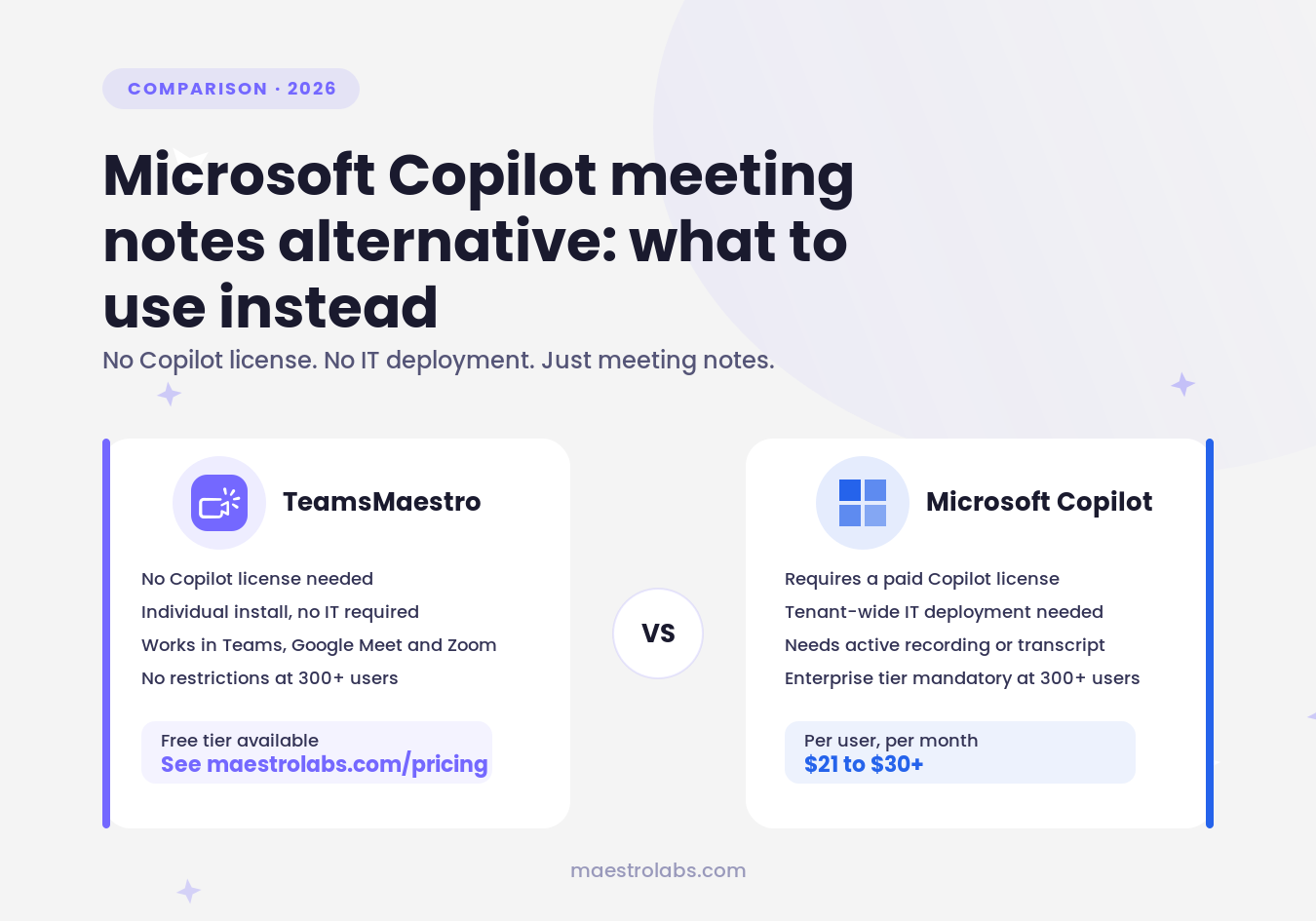
TeamsMaestroMicrosoft CopilotPurposeMeeting notes onlyGeneral-purpose AI assistantLicense requiredNo M365 Copilot license neededRequires paid Copilot add-onAdmin deploymentIndividual install, no IT neededTenant-wide admin deployment requiredWorks inMicrosoft Teams, Google Meet, and ZoomMicrosoft Teams (and other M365 apps)PricingSee maestrolabs.com/pricingFrom $21/user/month (Business, annual)300+ user organizationsNo restrictionsEnterprise tier mandatory at $30/user/month annual
The practical difference comes down to who controls the decision. With Copilot, a single employee can't deploy it. They need IT and procurement involved. With TeamsMaestro, any individual user can install it directly from the Microsoft Teams app store and start using it in their next meeting.
This matters most in two scenarios. First: your organization hasn't deployed Copilot and individual teams want meeting notes now. Second: your organization has Copilot for other reasons, but you want a tool with deeper meeting-notes features rather than the summarization layer Copilot provides.
A note for enterprise teams: In larger organizations, IT may still need to approve TeamsMaestro through the Teams admin center for a full company-wide rollout. That said, any individual can manually invite TeamsMaestro to their own meetings before any formal deployment decision. This lets you test it in real calls first, without committing to anything.
Which one is right for your team?
Copilot makes sense if:
- Your organization has already licensed and deployed Copilot for other uses (email, documents, data)
- Meeting notes is one of several AI tasks you want from a single tool
- Your IT team manages deployment and there's budget for a per-user license across your headcount
TeamsMaestro makes sense if:
- You want meeting notes without waiting for IT or a procurement process
- Your main use case is Teams meeting notes, not a full AI platform
- You want to avoid paying $21 to $30+ per user per month when notes are the primary goal
- Your organization has 300+ users and you're not ready for the mandatory Enterprise Copilot tier
TeamsMaestro takes the notes during your Teams calls automatically. Try it free.
Lorem ipsum dolor sit amet, consectetur adipiscing elit. Suspendisse varius enim in eros elementum tristique. Duis cursus, mi quis viverra ornare, eros dolor interdum nulla, ut commodo diam libero vitae erat. Aenean faucibus nibh et justo cursus id rutrum lorem imperdiet. Nunc ut sem vitae risus tristique posuere.


follow-up on our previous call, ask if he’s ready to start cooperation let him know that our discount ends tomorrow ask him if he had time to calculate roi


