










How to keep meeting action items organized with TeamsMaestro
TeamsMaestro centralizes all your meeting action items in one dashboard.
TeamsMaestro gives you one place to review action items pulled from your meeting notes, so it is easier to see what needs attention and what is already done.
When follow ups live across separate meetings, it is easy for next steps to get buried. You remember there was something to do, but not which call it came from or whether you already handled it. The action items view in TeamsMaestro is built to solve that problem by bringing those tasks into a single dashboard.
What the action items dashboard does
The action items dashboard collects tasks from your meetings and shows them in one workspace. Instead of opening each meeting one by one, you can move straight to the Action items tab and scan what is still open.
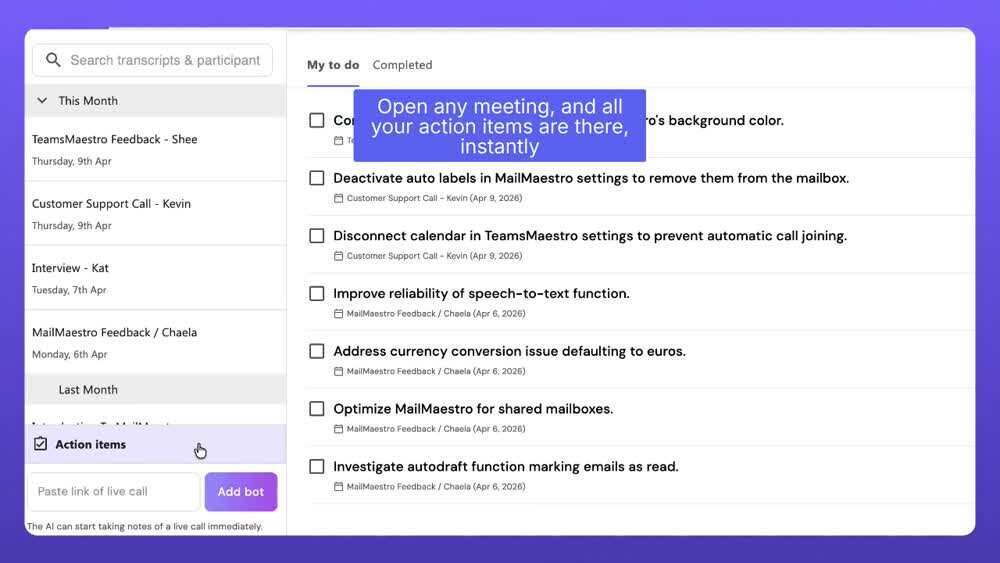
In the demo, the page includes separate views for My to do and Completed. That gives you a simple way to focus on the work that still needs action, then switch over to review what has already been cleared.
How it works in the demo
The video shows a list of meetings on the left and the related action items in the main panel. Each item appears as a task you can review and check off.
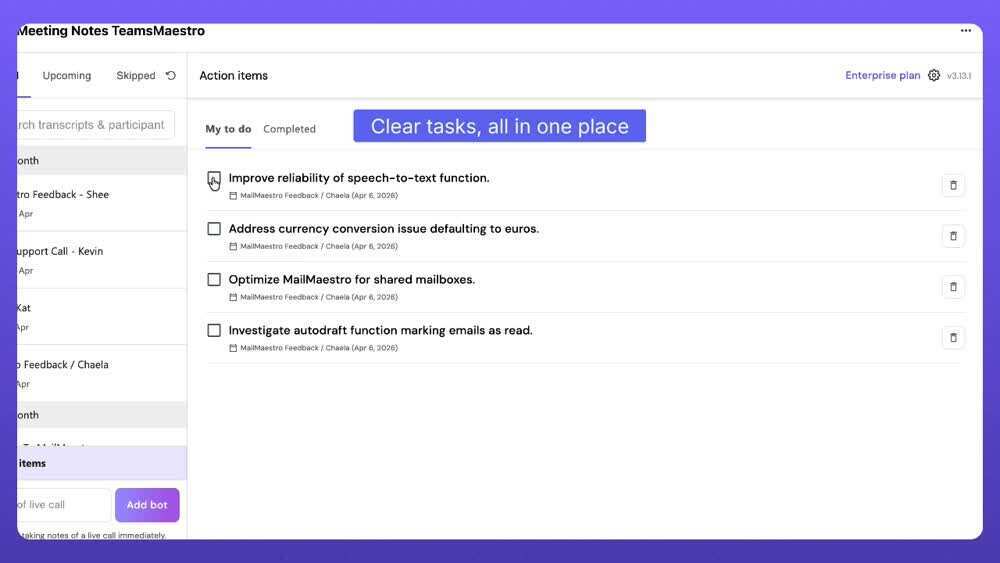
As tasks are completed, the list gets shorter. The demo then switches to the Completed view, where finished items remain available for reference.
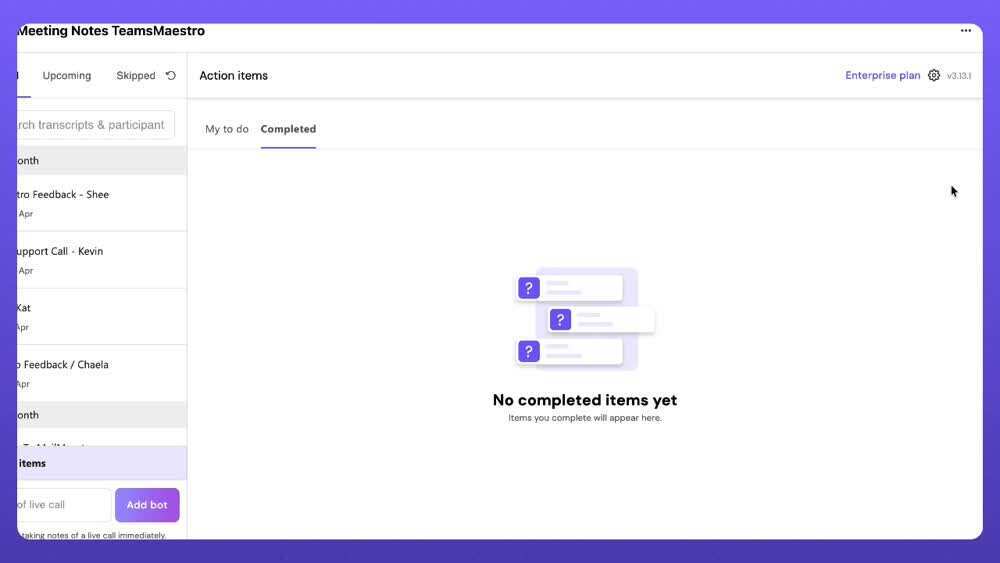
That flow makes the feature feel less like a static notes page and more like a working follow up list tied to your meetings.
How to use it
- Open TeamsMaestro and go to your meeting notes area.
- Select the Action items tab.
- Start in My to do to review the tasks that still need attention.
- Check off items as you complete them.
- Open Completed when you want to confirm what has already been finished.
Practical ways to use it
You can use this view as a quick daily checkpoint before meetings start, or as an end of day review to make sure nothing important is still sitting in your notes. It is especially useful when several meetings produce small follow ups that are easy to forget on their own.
Because the tasks are shown together, you spend less time hunting through past calls and more time moving work forward.
Why it matters
Meeting notes are useful, but action only happens when the next step is easy to find. By pulling those tasks into one clear dashboard, TeamsMaestro helps turn conversations into visible follow through.
That means less manual tracking, less context switching, and a cleaner path from discussion to execution.
Final thoughts
If your team is using meetings to make decisions and assign next steps, the action items dashboard gives you a faster way to stay on top of what comes out of those conversations. Open a recent meeting in TeamsMaestro, head to Action items, and see how quickly you can spot what still needs to be done.
Languages we support
TeamsMaestro currently supports a wide range of languages for meeting summaries, transcripts, and AI responses — from English and Spanish to French, German, and many more. Our goal is to make every team’s communication experience seamless and inclusive, no matter the language.


If your preferred language isn’t supported yet, we’d love your feedback! Email us at feedback@maestrolabs.com to request new languages or share examples of what you’d like to see. Your input helps us shape the next updates of TeamsMaestro.
Final thoughts
Meeting summaries are no longer one-size-fits-all. With the Language and Template buttons in TeamsMaestro, you can create tailored, polished notes in seconds. Use these tools to communicate clearly, reduce follow-up work, and keep everyone aligned, wherever they are and however they work.
Languages we support
MailMaestro currently supports a growing range of languages for composing, summarizing, and improving your emails. From English and Spanish to French, German, and beyond — we’re expanding our capabilities to make AI communication accessible for everyone.
If your preferred language isn’t available yet, we’d love to hear from you! Email us at feedback@maestrolabs.com to request new language support or share specific examples. We’re continuously improving with your input.
