

 MailMaestro pricing
 TeamsMaestro pricing








The details for your sales update are in last month's meeting notes. Turning them into an email means opening each meeting, copying the useful parts, and writing it all up yourself.
The AI Meeting Notes TeamsMaestro agent brings that meeting context into Microsoft Copilot. Ask for the draft you need, and Copilot builds it from your TeamsMaestro meeting records.
Add TeamsMaestro to Copilot
You'll find the agent in the Copilot Agent Store.
- Open Copilot and select More agents in the left navigation.
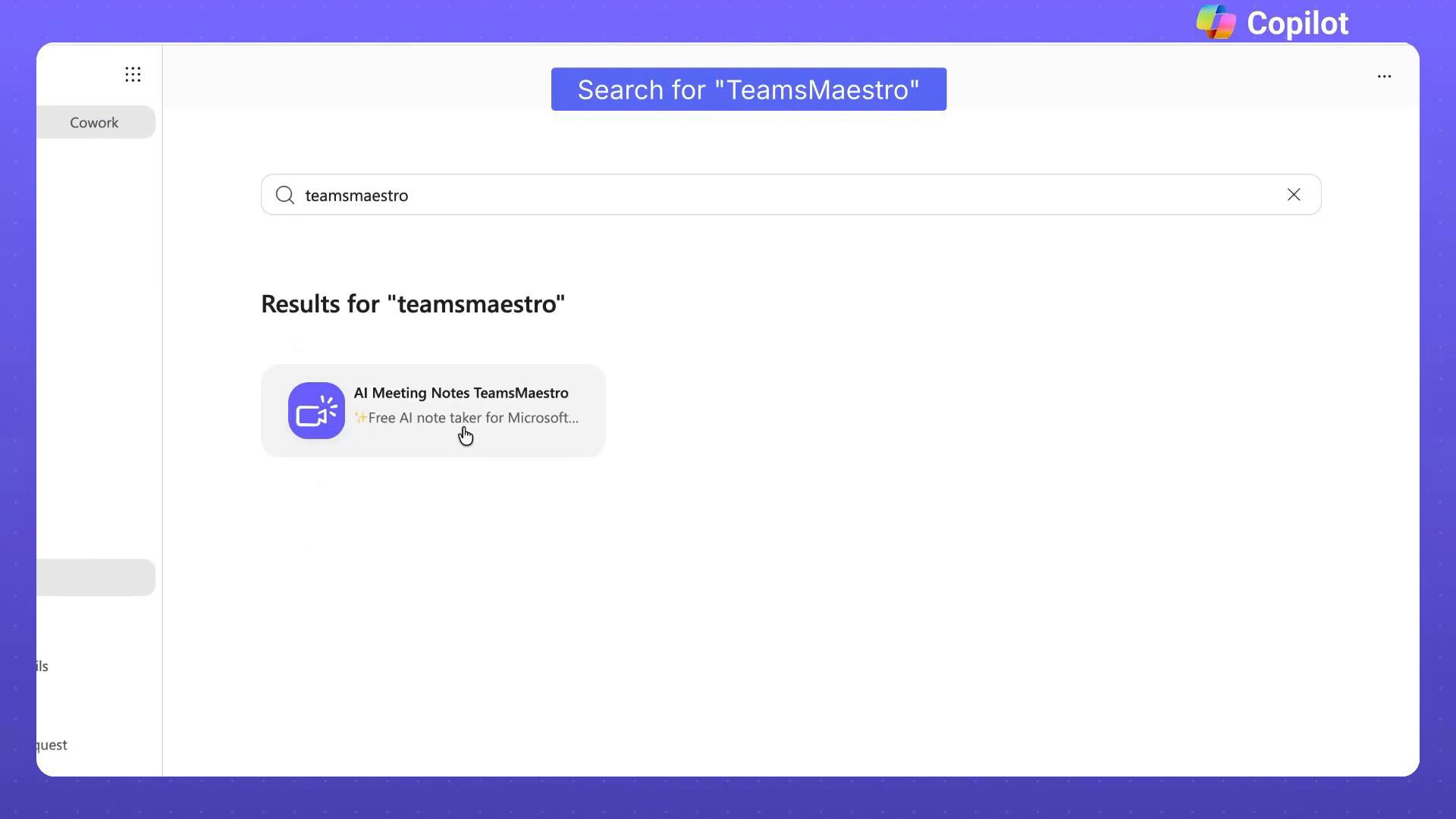
- Search for TeamsMaestro in the Agent Store.
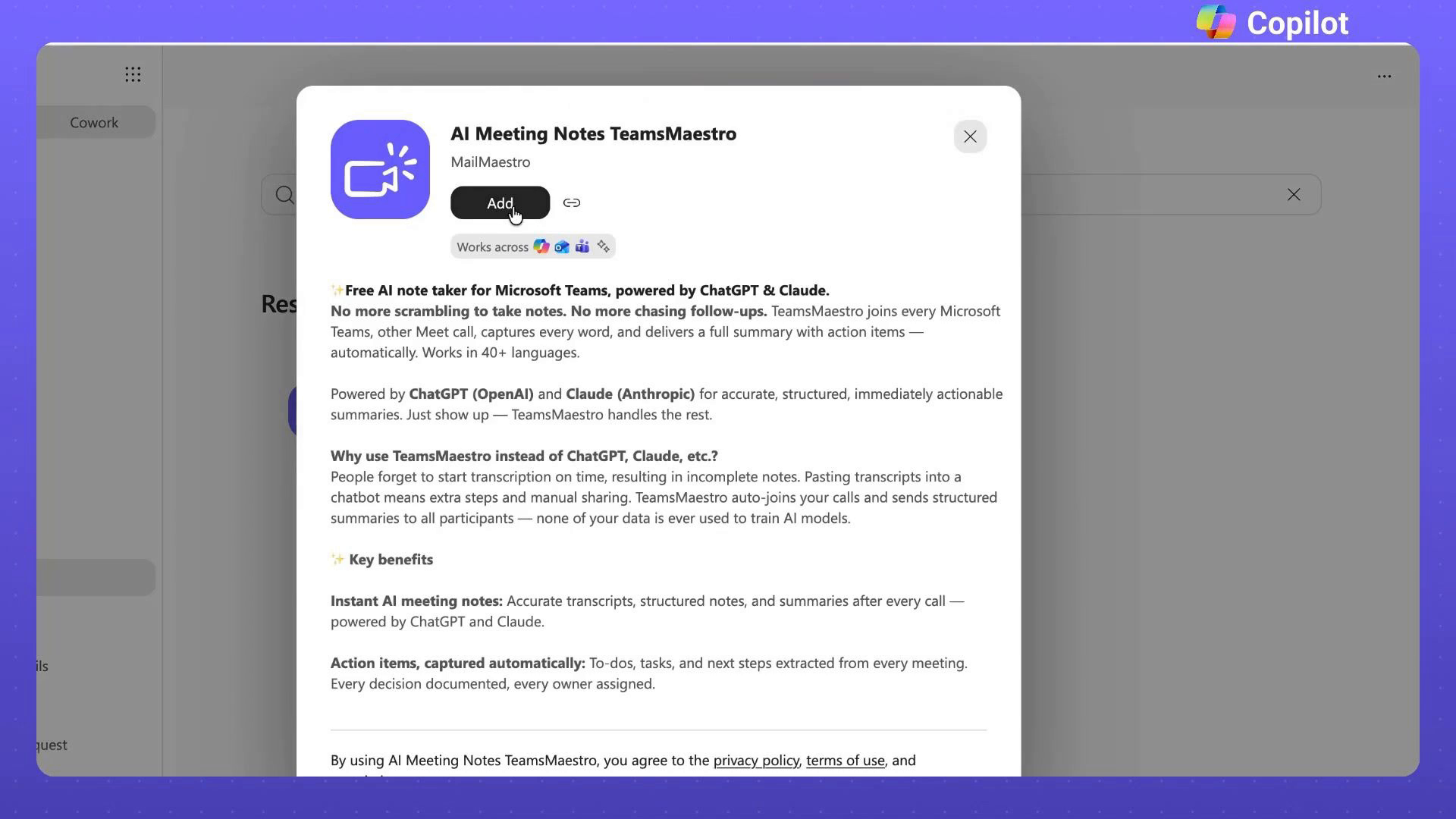
- Open AI Meeting Notes TeamsMaestro from the results.
- Select Add.
- Open the agent and start a chat.
Once added, the agent shows up in your Copilot navigation. Its opening screen offers a few starting points, like getting started with TeamsMaestro, checking upcoming meetings, or summarizing your last meeting.
Example: draft an email about last month's sales calls
Here's the prompt: "Help me draft an email to my boss summarizing all of the sales calls I had last month."
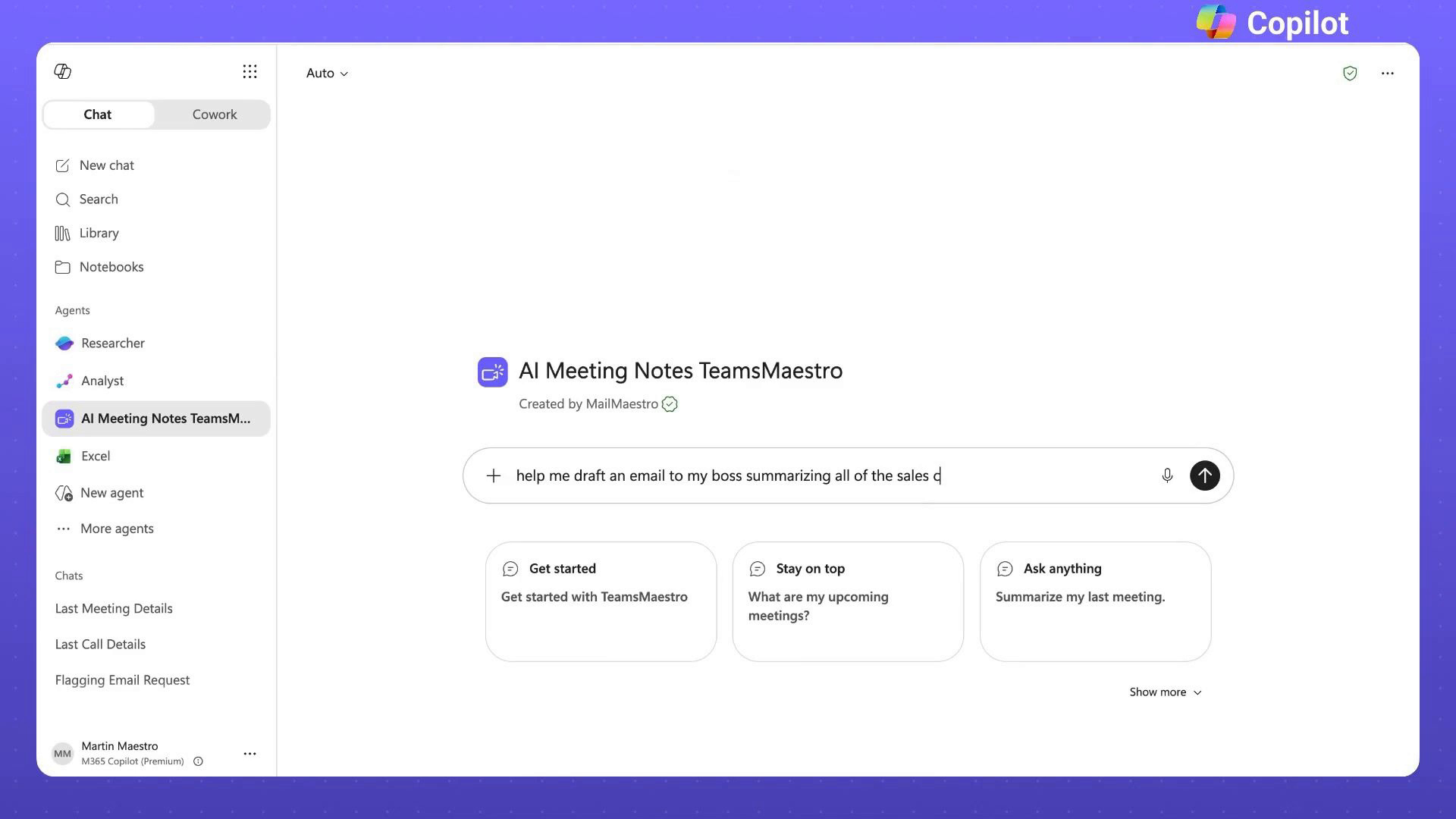
That's enough for Copilot to search your TeamsMaestro meetings and write the answer as an email to a manager.
The draft comes back with the subject July Sales Call Summary, an opening addressed to your manager, and a recap of the sales activity. Copilot also points out that several meetings had no detailed notes or takeaways, so the summary only covers what TeamsMaestro captured.
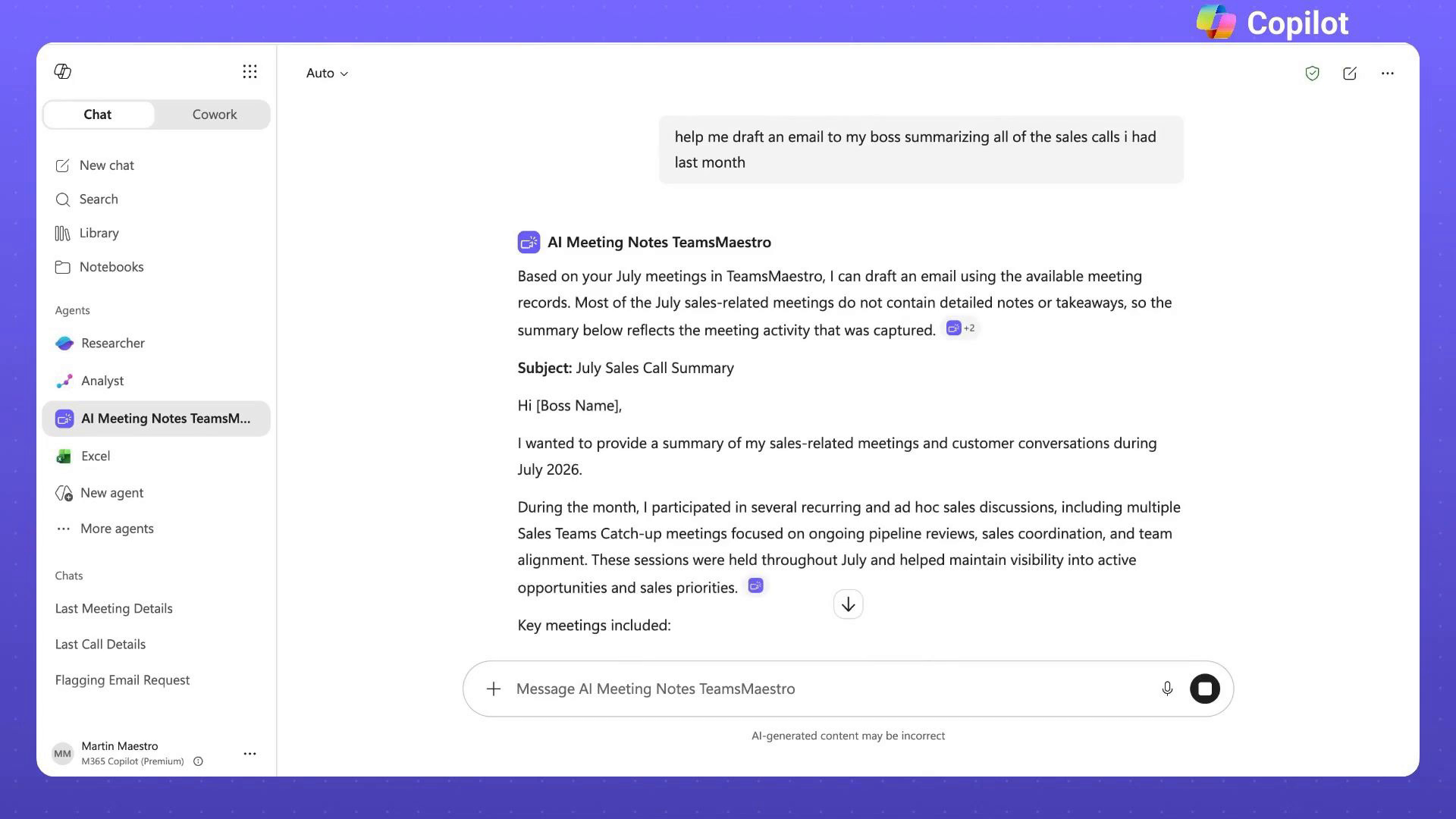
That note is useful. You know what's missing before you hit send, so you can fill the gaps and adjust the wording yourself.
How to write a prompt that gets a usable draft
Include three things in your request:
- The output you want, like an email or a summary
- Which meetings or people to include
- Who it's for, or the time period it should cover
"Write an email to my manager about last month's sales calls" gets you much further than "find my sales notes." Copilot knows what to build, not just what to look for.
Try TeamsMaestro in Copilot
Add AI Meeting Notes TeamsMaestro from the Copilot Agent Store and try it on a real task from your week. Start with who it's for, the time period, and what you need back.
TeamsMaestro takes the notes in your Teams calls, so the context is ready when you ask for it. Try it free.


follow-up on our previous call, ask if he’s ready to start cooperation let him know that our discount ends tomorrow ask him if he had time to calculate roi


