

 MailMaestro pricing
 TeamsMaestro pricing








Key Takeaways
- Grammarly's parent company renamed itself Superhuman in October 2025; Grammarly the writing tool still exists separately.
- Superhuman Mail is a standalone email client, not a Grammarly feature update, and starts at $30 a month with no free plan.
- MailMaestro installs as a sidebar in Outlook or Gmail, so you keep your current inbox and add-ins.
- Switching to Superhuman means moving your entire inbox, not just adding a writing assistant.
- Signing up for Superhuman requires a card and a guided onboarding call before you can use it.
You opened Grammarly to fix a sentence in an email, and it wasn't there anymore. Or you got an email from Grammarly announcing a new name, a new app, and a $30-a-month price tag for something you used to get for free. Either way, you're here because the tool you used for years changed shape overnight, and you want an email writing assistant that works the way you already work.
That's a fair thing to want. Not every rebrand is worth following, especially one that asks you to leave your email client behind entirely.
Here's what actually happened, what Superhuman Mail asks of you, and what to use instead if you'd rather keep Outlook or Gmail exactly as it is.
Why people are searching for a Superhuman alternative right now
In July 2025, Grammarly acquired Superhuman, the AI-powered email client. Three months later, Grammarly's parent company renamed itself Superhuman and folded its products, Grammarly, Coda, and the newly acquired Superhuman Mail, under one umbrella brand.
Grammarly the writing assistant didn't disappear. It's still available, still checking your grammar in Gmail and Outlook the way it always did. What changed is the company behind it, and the product lineup it's now pushing. Superhuman Go, the new AI assistant, and Superhuman Mail, the email client, are the pieces getting the marketing push. If you clicked through an email or a browser notification expecting a writing update and landed on a pitch for a whole new inbox, the confusion makes sense.
The search traffic backs this up. People are looking for "superhuman alternative" and "grammarly alternative for email" in the same breath, because the two problems are actually one problem: they want AI help writing email without adopting a new place to read it.
What Superhuman actually requires (and why that's the problem)
Superhuman Mail isn't a browser extension or a sidebar. It's a full email client, meaning you point your Outlook or Gmail account at it and do your reading, sorting, and replying inside Superhuman's interface instead of your usual one.
That has real costs. You relearn keyboard shortcuts. You reconfigure any Outlook add-ins, calendar integrations, or IT-managed policies that assumed you'd be using Outlook or Gmail directly. If your company manages email through Microsoft 365, switching your daily interface to a third-party client is often a conversation with IT before it's a decision you get to make alone.
Then there's the cost. Superhuman starts at $30 a month for the Starter plan and $40 a month for Business, billed per user, with no free tier. Signing up means entering a card and booking a guided onboarding call before you can start using it. For a solo professional who wanted grammar and tone help, that's a steep jump from a tool that used to be free.
None of this makes Superhuman a bad product. It makes it the wrong fit for anyone who liked what Grammarly did for their email and has no interest in changing where they read it.
MailMaestro vs Superhuman: the comparison
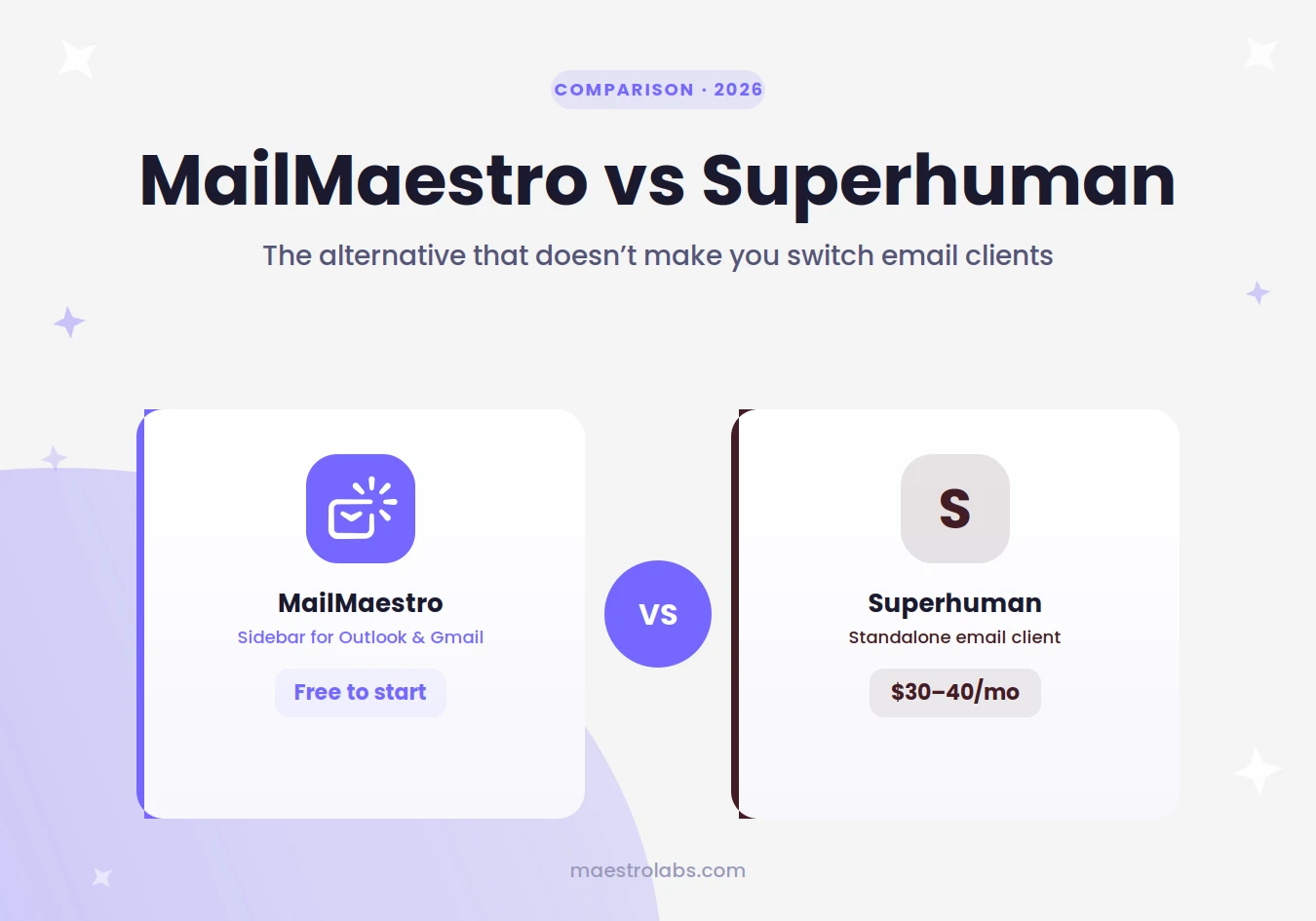
MailMaestro is built for the opposite approach. It installs directly into Outlook and Gmail as an AI sidebar, so your inbox stays exactly where it is.
| MailMaestro | Superhuman Mail | |
| Email client compatibility | Works inside your existing Outlook or Gmail, no client switch | Requires migrating to Superhuman's own email client |
| Price | Free to start, no Microsoft 365 Copilot license needed | $30/month (Starter) or $40/month (Business), no free plan |
| AI features | AI drafting, tone adjustment, thread summaries, reply suggestions | AI-assisted replies, inbox triage, and writing help inside its own client |
| Setup friction | Install the add-in, done in minutes | Card and guided onboarding call required, plus a full account migration |
The difference comes down to what you're actually trying to fix. If the problem is "I want help writing better emails," MailMaestro solves it without touching anything else about your workflow. If the problem is "I want an entirely new way to manage my inbox," Superhuman is built for that, at a cost and a setup commitment that goes well beyond writing assistance.
4 more Superhuman alternatives worth knowing about
MailMaestro isn't the only option if you're evaluating what's out there. A few others come up often in the same searches, each with a different trade-off:
Spark Mail is a full email client like Superhuman, with a cleaner free tier and team features built in. You still switch clients, but it costs less to try.
Shortwave layers AI summaries and search on top of Gmail, but it also replaces your Gmail interface rather than sitting inside it.
Missive combines email and team chat in one client, aimed more at small teams managing shared inboxes than individual writers.
Front is built for customer-facing teams handling high email volume, with routing and assignment features Superhuman doesn't focus on.
Each of these asks you to adopt a new client. If that's a trade-off you're willing to make, they're worth a look. If it isn't, that's the gap MailMaestro is built to fill.
How to move your Grammarly-for-email workflow to MailMaestro
If you relied on Grammarly specifically for email, not documents or Slack messages, the switch to MailMaestro takes about as long as installing any other add-in.
Add MailMaestro to Outlook or Gmail from the add-in store. Open an email you're drafting and use the sidebar to generate a first draft, adjust the tone, or shorten a reply that's run too long. There's no account migration, no new interface to memorize, and no waiting period to see if it fits your workflow.
Common mistakes when evaluating email AI tools
Assuming a rebrand means the old tool is gone. Grammarly still exists. Read the announcement before you start shopping for a replacement you don't need.
Comparing price without comparing what you're buying. A $30-a-month email client and a free sidebar add-in aren't solving the same problem, even if both mention AI.
Underestimating switching costs. Moving to a new email client touches shortcuts, integrations, and sometimes IT policy. Factor that in before you commit to a trial.
Picking a tool based on features you won't use. If you only need writing help, a full inbox replacement adds complexity you didn't ask for.
MailMaestro writes and adjusts your emails directly inside Outlook or Gmail, so you get the writing help without the client switch. Add it free.
Lorem ipsum dolor sit amet, consectetur adipiscing elit. Suspendisse varius enim in eros elementum tristique. Duis cursus, mi quis viverra ornare, eros dolor interdum nulla, ut commodo diam libero vitae erat. Aenean faucibus nibh et justo cursus id rutrum lorem imperdiet. Nunc ut sem vitae risus tristique posuere.


follow-up on our previous call, ask if he’s ready to start cooperation let him know that our discount ends tomorrow ask him if he had time to calculate roi


