

 MailMaestro pricing
 TeamsMaestro pricing








Key Takeaways
- A 2025 class action accused Otter.ai of recording conversations without everyone's consent.
- Otter.ai trains on de-identified recordings; the lawsuit disputes how well that protects speakers.
- The best alternative for Microsoft users runs natively inside Teams, not as a bot.
- TeamsMaestro is a Microsoft-certified add-in and does not train AI on your meetings.
- Both tools carry SOC 2 Type II, so weigh consent and training practices, not just certs.
Your notetaker is supposed to make meetings easier. It shouldn't create a legal problem. But that's the question a lot of teams started asking about Otter.ai in 2025, after a class action claimed the tool recorded private conversations without everyone in the room agreeing to it.
If you run meetings on Microsoft Teams, you have better options now. Ones that keep the notes without the privacy baggage, and that live inside the app you already use instead of joining as an outside bot.
This guide covers why teams are leaving Otter.ai, what to check before you pick a replacement, and how the main alternatives compare for Microsoft 365 users.
Why teams are leaving Otter.ai
Otter.ai is a capable transcription tool. The reasons people are switching are mostly about trust, not features.
In August 2025, a federal class action was filed against Otter.ai in the Northern District of California. The complaint, Brewer v. Otter.ai, alleged that Otter's Notetaker recorded and processed private conversations without getting consent from every participant. One plaintiff said his words were captured even though he was never an Otter user himself. The suit cited federal wiretap law and the California Invasion of Privacy Act.
A lawsuit is an allegation, not a verdict. But it put a spotlight on how the product works. By default, Otter asks the meeting host for permission, not the other people on the call. If the host has connected Otter to their calendar, the notetaker can join meetings and start recording on its own.
There's a second issue that predates the lawsuit. Otter has said it uses de-identified recordings to help train its speech recognition models, though the complaint disputes whether that de-identification reliably protects speakers. For a personal to-do list, that might not bother you. For a sales call, a patient conversation, or a board meeting, it's a harder thing to accept.
For regulated teams, that combination is a real compliance headache. Legal, healthcare, and finance groups need to know exactly who consented and where the audio went.
What to look for in an Otter.ai alternative
Not every alternative fixes the problems that made you leave. Before you switch, check these five things.
Consent that covers everyone. The tool should make it clear to all participants that a meeting is being recorded, not just the host. Ambiguous consent is what started the Otter.ai fight in the first place.
No training on your data. Read the policy. The tool should state plainly that it does not use your meetings to train its models. If it's vague, treat that as a no.
Real security certifications. SOC 2 Type II and GDPR compliance are the baseline. If your team handles health data, look for HIPAA support and a business associate agreement.
Native integration, not a bot. A tool that lives inside Teams is easier to control than a third-party bot that dials into the call. Native tools also tend to have cleaner permissions and fewer surprises for IT.
A pause control. Sometimes part of a meeting shouldn't be on the record. The ability to pause and resume capture matters more than people expect.
Otter.ai vs TeamsMaestro
For Microsoft Teams users, the closest like-for-like alternative is TeamsMaestro. Here's how the two compare on the things that make people switch.
| Otter.ai | TeamsMaestro | |
|---|---|---|
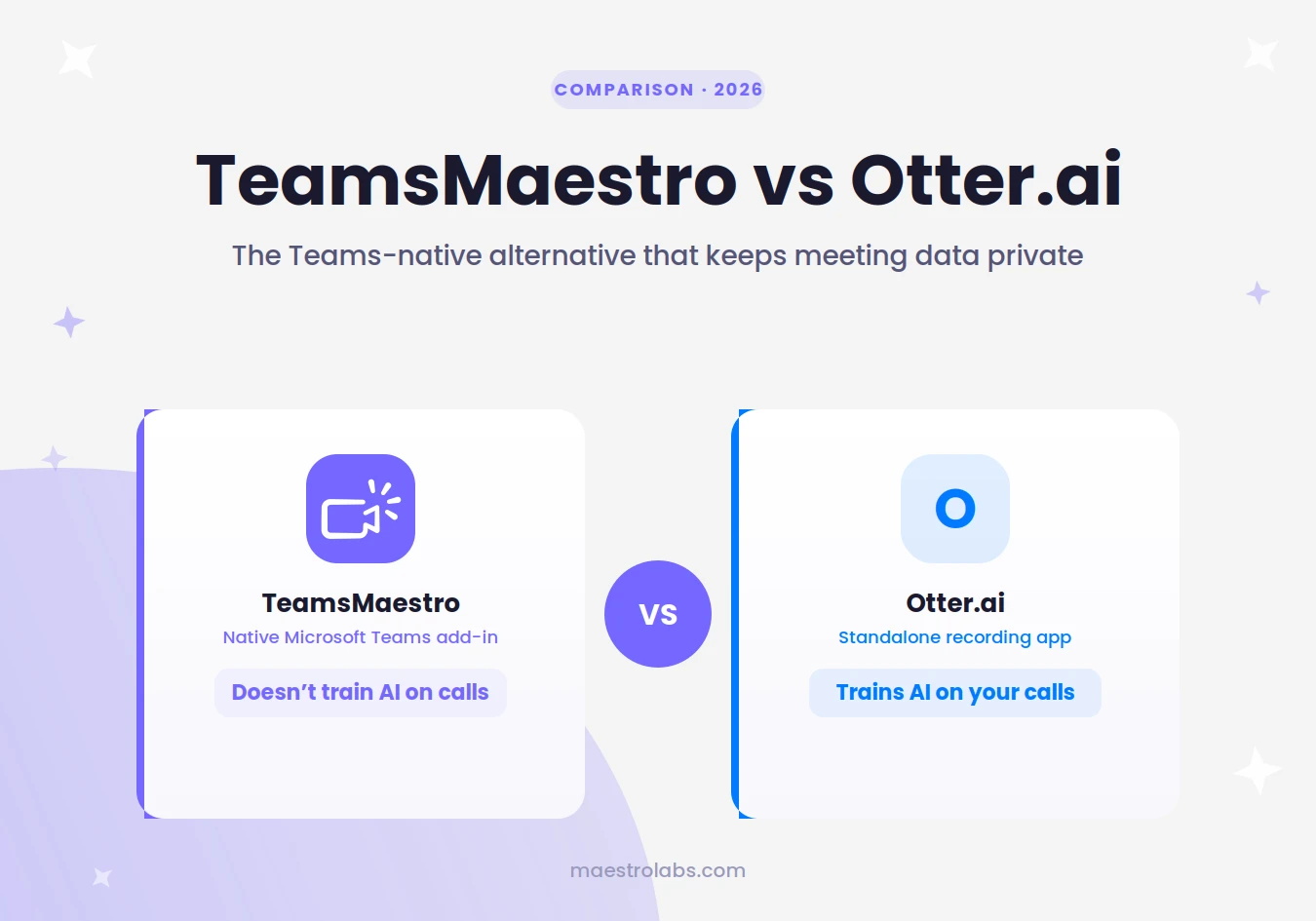
| Trains AI on your meetings | Trains on de-identified recordings | No, does not train on your data |
| How it joins | External notetaker bot | Native Microsoft-certified add-in |
| Built for Teams | Integrates with Teams | Purpose-built for Teams |
| Security | SOC 2 Type II, HIPAA | SOC 2 Type II, GDPR, HIPAA with BAA |
| Free tier | Yes, with limits | Yes, for free and paid Teams users |
| Languages | 6 languages | 40 plus languages |
| Microsoft 365 Copilot license needed | Not applicable | No |
The short version: Otter.ai is a general transcription tool that plugs into many platforms. TeamsMaestro is built for one place, Microsoft Teams, and treats your meeting data as yours.
A closer look at TeamsMaestro
TeamsMaestro joins your Teams calls, writes the transcript, and sends a structured summary with action items after the meeting ends. It works in more than 40 languages, and the summaries are stored in your Teams workspace so they're easy to find later.
Three things make it a natural fit for people leaving Otter.ai.
It doesn't train on your meetings. None of your data feeds an AI model, de-identified or not. That single fact answers the biggest worry that came out of the Otter.ai case.
It's a certified Microsoft add-in. TeamsMaestro is listed and certified through Microsoft's app certification program, and Maestro Labs is SOC 2 Type II certified, GDPR-compliant, and HIPAA-compliant with a business associate agreement on request. For an IT admin approving tools, that paperwork is the difference between yes and no.
It works without a Copilot license. You don't need Microsoft 365 Copilot to use it. It's available to both free and paid Teams users, so a whole team can standardize on it without a new enterprise contract.
If you want the notes without handing your conversations to a model, TeamsMaestro takes them during the call so you don't have to. Try it free.
Other alternatives worth knowing
TeamsMaestro isn't the only option, and the right pick depends on your stack.
Fireflies and Fathom are popular general notetakers that work across Zoom, Meet, and Teams. They're flexible if your meetings are spread across platforms, though they join as external bots rather than native add-ins.
Microsoft Copilot can generate meeting recaps inside Teams, but it requires a paid Microsoft 365 Copilot license, which many organizations haven't rolled out. If cost or licensing is the blocker, that rules it out for a lot of teams.
If almost all your meetings happen in Teams, a purpose-built Teams tool will feel less like a workaround and more like part of the app.
How to switch from Otter.ai
Moving off Otter.ai takes about 10 minutes.
First, export anything you want to keep from your Otter account. Past transcripts and summaries won't move automatically.
Second, remove Otter's calendar and meeting integrations so it stops auto-joining calls. This is the step people forget, and it's why a disconnected tool sometimes keeps showing up in meetings.
Third, install your new tool and run it on one low-stakes meeting before you roll it out to the team. Check that the summary quality and the consent notice match what you expected.
Then tell your team. A one-line message that says which tool you're using now and why is enough to avoid confusion on the next call.
Frequently asked questions
Why are people looking for an Otter.ai alternative?
Mostly privacy. A 2025 class action alleged Otter recorded conversations without consent from every participant, and Otter trains its speech models on de-identified recordings. Teams that handle sensitive calls want more control than that.
What is the best Otter.ai alternative for Microsoft Teams?
For teams that work mainly in Microsoft Teams, TeamsMaestro is the closest fit. It's a certified Teams add-in, it doesn't train AI on your meetings, and it works without a Microsoft 365 Copilot license.
Is there a free alternative to Otter.ai?
Yes. TeamsMaestro has a free tier available to both free and paid Teams users, so you can test it on real meetings before paying for anything.
Does TeamsMaestro record without consent?
No. It's built as a native Teams add-in with clear recording behavior, unlike the auto-join setup that led to the complaints against Otter.
Is Otter.ai safe to use for business?
Otter is SOC 2 Type II certified and HIPAA compliant, and used by many companies. The concerns raised in 2025 were about consent and model training, so read its current privacy terms and check your own compliance rules before using it for sensitive calls.
Do I need a Copilot license to use TeamsMaestro?
No. TeamsMaestro works independently of Microsoft 365 Copilot, so you don't need a Copilot subscription to use it in Teams.
Lorem ipsum dolor sit amet, consectetur adipiscing elit. Suspendisse varius enim in eros elementum tristique. Duis cursus, mi quis viverra ornare, eros dolor interdum nulla, ut commodo diam libero vitae erat. Aenean faucibus nibh et justo cursus id rutrum lorem imperdiet. Nunc ut sem vitae risus tristique posuere.


follow-up on our previous call, ask if he’s ready to start cooperation let him know that our discount ends tomorrow ask him if he had time to calculate roi


