












Key Takeaways
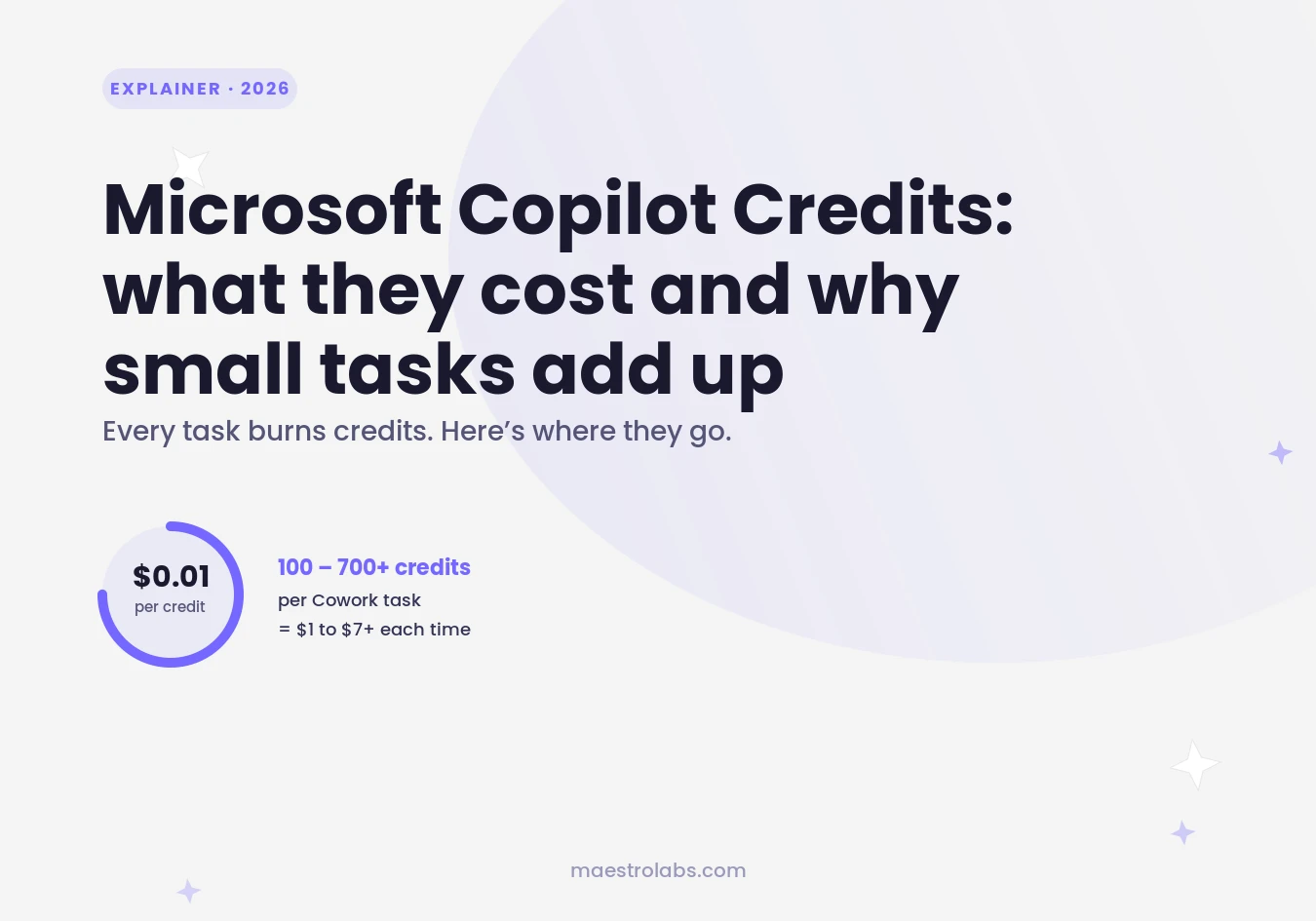
- Each Copilot Credit costs $0.01 under pay-as-you-go billing.
- A single Cowork task can consume 100 to 700+ credits depending on complexity.
- Context retrieval, not just the model, drives most of the credit cost.
- Paid TeamsMaestro and MaestroDuo users get the Maestro Labs MCP for Copilot Cowork free.
You approved Copilot Cowork for your team and now the billing dashboard shows a number you didn't expect. The task seemed simple. The bill does not look simple.
This is the Copilot Credits problem. Microsoft's agentic AI product bills per token, and tokens add up in ways that aren't obvious until you see the invoice. This article explains exactly how Copilot Credits work, what drives costs up, and what your options are.
What are Copilot Credits?
Copilot Credits are Microsoft's billing unit for usage-based AI work. One credit equals $0.01 under pay-as-you-go pricing. When Copilot Cowork runs a task, it draws on credits to pay for everything the task requires: the AI model, the context it reads, the tools it calls, and the time it runs.
Credits replaced older message-based billing when Copilot Cowork became generally available on June 16, 2026. If your tenant hadn't configured usage-based billing by July 1, access to Cowork was suspended.
You can also buy credits in packs. Copilot Studio capacity packs cost $200 per 25,000 credits per month, which gets you a discount plus a predictable monthly cap rather than an open meter.
What drives Copilot Credit costs in Cowork?
Four factors determine how many credits a task consumes. Understanding them explains why two tasks that feel similar can cost very different amounts.
1. Model selection
Heavier reasoning models cost more credits per token than lighter ones. A task that triggers deep multi-step planning will draw on more expensive model capacity than a simple lookup or summarization.
2. Context retrieval
This is the cost driver most people miss. Every time Cowork reads your emails, calendar, SharePoint files, or Teams messages to ground its response, it burns input tokens. In agentic workflows, input tokens run roughly 60 times higher than output tokens per request. The task might produce 50 words of output, but it read thousands of tokens worth of context to get there.
3. Tool calls
Each action the agent takes counts. Searching your inbox, querying a SharePoint document, calling an external connector: each one adds to the bill. Copilot Studio agent flows are billed at 13 credits per 100 actions. Text and generative AI tools cost 10 credits per 1,000 tokens.
4. Runtime
Longer-running tasks cost more. A task that loops back to check something, retries a tool call, or works through a multi-step workflow will run longer and burn more credits than a task that finishes in one pass.
How much does a typical Cowork task cost?
Microsoft's published guidance puts tasks in three rough tiers:
- Light task (100 to 300 credits): $1 to $3. A simple lookup, a short summary, a single-tool action.
- Medium task (300 to 700 credits): $3 to $7. Multi-step work involving context retrieval and several tool calls.
- Heavy task (700+ credits): $7 and up. Complex agents, long-running workflows, tasks that read large volumes of organizational data.
These are ranges, not guarantees. The actual credit count for any task depends on the specific inputs and how much context the agent decides to pull in. You can run the /cost command in Cowork to see the exact credits consumed by a session.
The billing shock problem
When GitHub shifted Copilot to usage-based billing on June 1, 2026, developers quickly noticed that routine agentic workflows consumed credits far faster than expected. Reports appeared on Reddit and X showing projected monthly costs jumping from around $29 to $750, and in some cases from $80 to over $1,000.
The core issue is the same across all Copilot products: the meter runs during context retrieval, not just generation. A task that feels like a 10-second interaction may have spent most of that time reading files and email threads. You see the output. The billing system saw the input.
Microsoft responded by adding cost controls. Admins can set per-user credit limits, configure tenant-wide caps, and review per-task consumption in the admin center. But the visibility only helps if admins configure it before bills arrive.
Who doesn't pay Copilot Credits for internal use?
If your organization has Microsoft 365 Copilot licenses at $30 per user per month, internal agent interactions by licensed users don't consume Copilot Credits for standard activities. Classic answers, generative answers, grounding, agent actions, and agent flows inside Teams, SharePoint, and Copilot Chat are included, subject to fair use limits.
The credits meter applies to external-facing agents, Copilot Studio bots published to external channels, and usage beyond the fair use thresholds for internal agents.
A flat-rate alternative for Teams meeting notes
If the reason you're looking at Copilot Cowork is to get AI help with your Teams meetings, the per-credit model is worth comparing against flat-rate alternatives.
TeamsMaestro is an AI meeting note taker that works directly inside Microsoft Teams, with no Microsoft 365 Copilot license required. It records, transcribes, and produces notes on a flat monthly subscription — no per-task billing, no credit meter running in the background. See the TeamsMaestro vs Microsoft Copilot comparison for a full breakdown.
Paid TeamsMaestro and MaestroDuo users also get access to the Maestro Labs MCP connection for Copilot Cowork at no extra cost. If you're already paying for TeamsMaestro, that integration is included.
For email AI specifically, MailMaestro follows the same flat-rate model: no Copilot license required, works directly in Outlook.
See the Maestro Labs pricing page for current plan details.
How to control Copilot Credit spending
If you're staying with Copilot Cowork, here are the controls that actually matter:
- Set per-user credit limits in the Microsoft 365 admin center before teams start using Cowork at scale.
- Use the /cost command in Cowork sessions to check what a workflow is actually consuming before you run it repeatedly.
- Choose capacity packs over pay-as-you-go if your usage is predictable. The rate is the same, but you cap the month's exposure at $200 per 25,000 credits.
- Audit context retrieval settings. Agents that read everything by default cost more than agents scoped to specific data sources. Narrow the scope where you can.
- Track the agents that run most often. High-frequency, low-complexity tasks are the hidden cost. A task that costs 200 credits and runs 50 times a month is $100 per user.
TeamsMaestro takes notes in your Teams calls on a flat monthly plan. No per-task billing, no credit meter. Try it free.
Lorem ipsum dolor sit amet, consectetur adipiscing elit. Suspendisse varius enim in eros elementum tristique. Duis cursus, mi quis viverra ornare, eros dolor interdum nulla, ut commodo diam libero vitae erat. Aenean faucibus nibh et justo cursus id rutrum lorem imperdiet. Nunc ut sem vitae risus tristique posuere.


follow-up on our previous call, ask if he’s ready to start cooperation let him know that our discount ends tomorrow ask him if he had time to calculate roi


